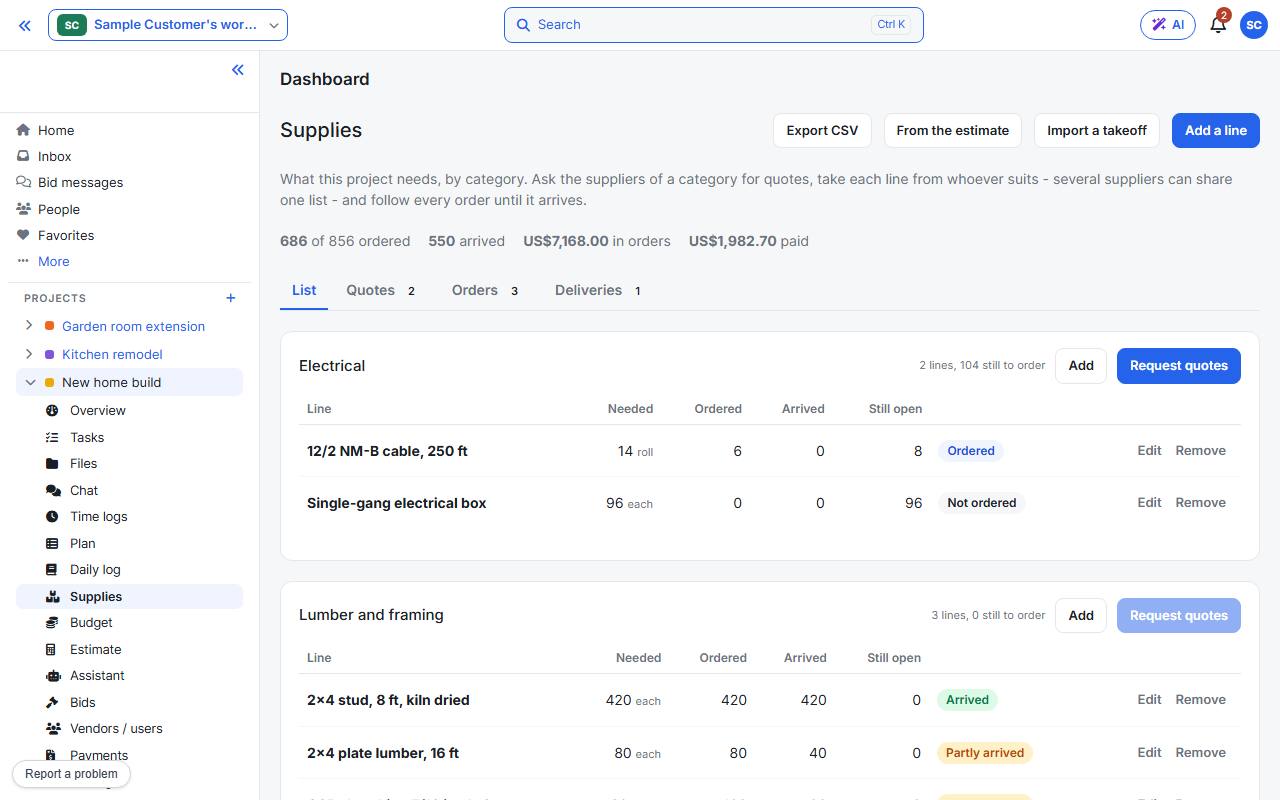
Open the project’s Supplies page. Lines are grouped by category. Add them with Add a line, From the estimate or Import a takeoff.
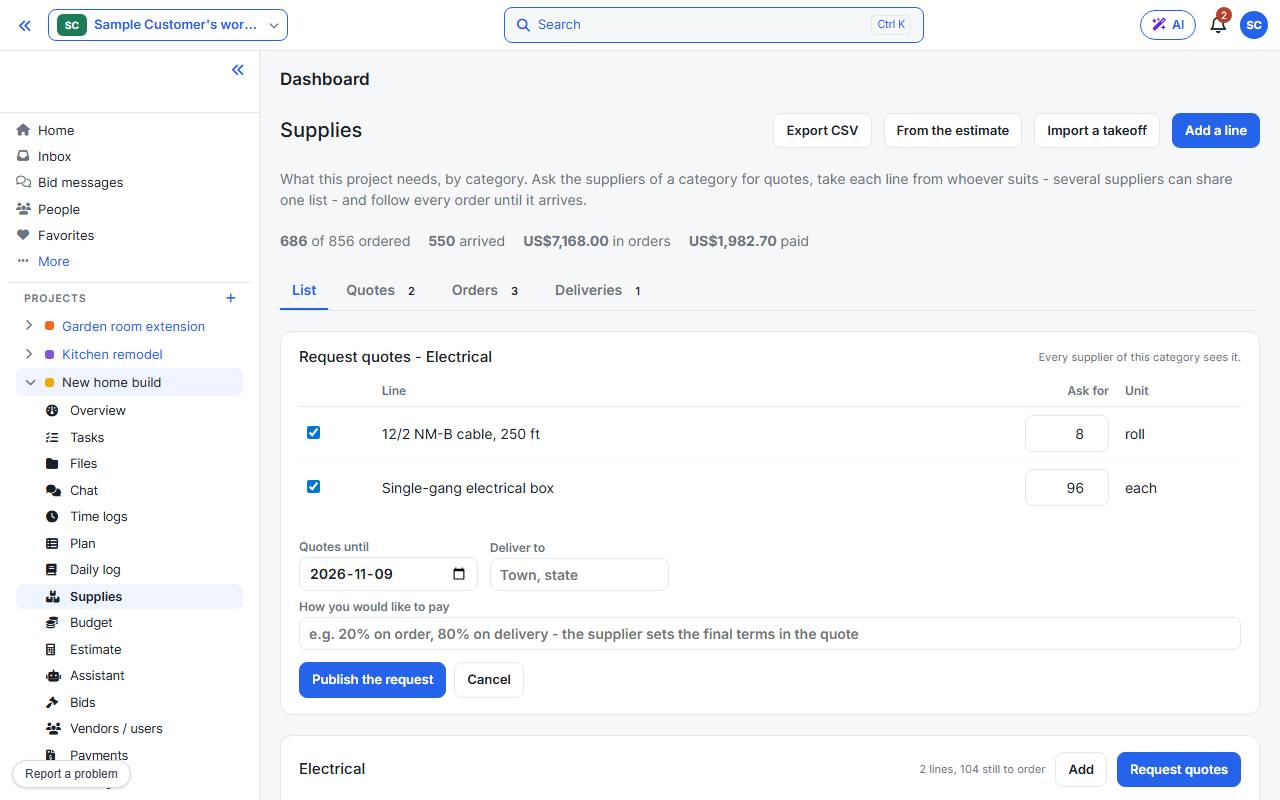
Press Request quotes on a category, tick the lines, set the date quotes close and the delivery you want, then press Publish the request. Suppliers of that category are asked.
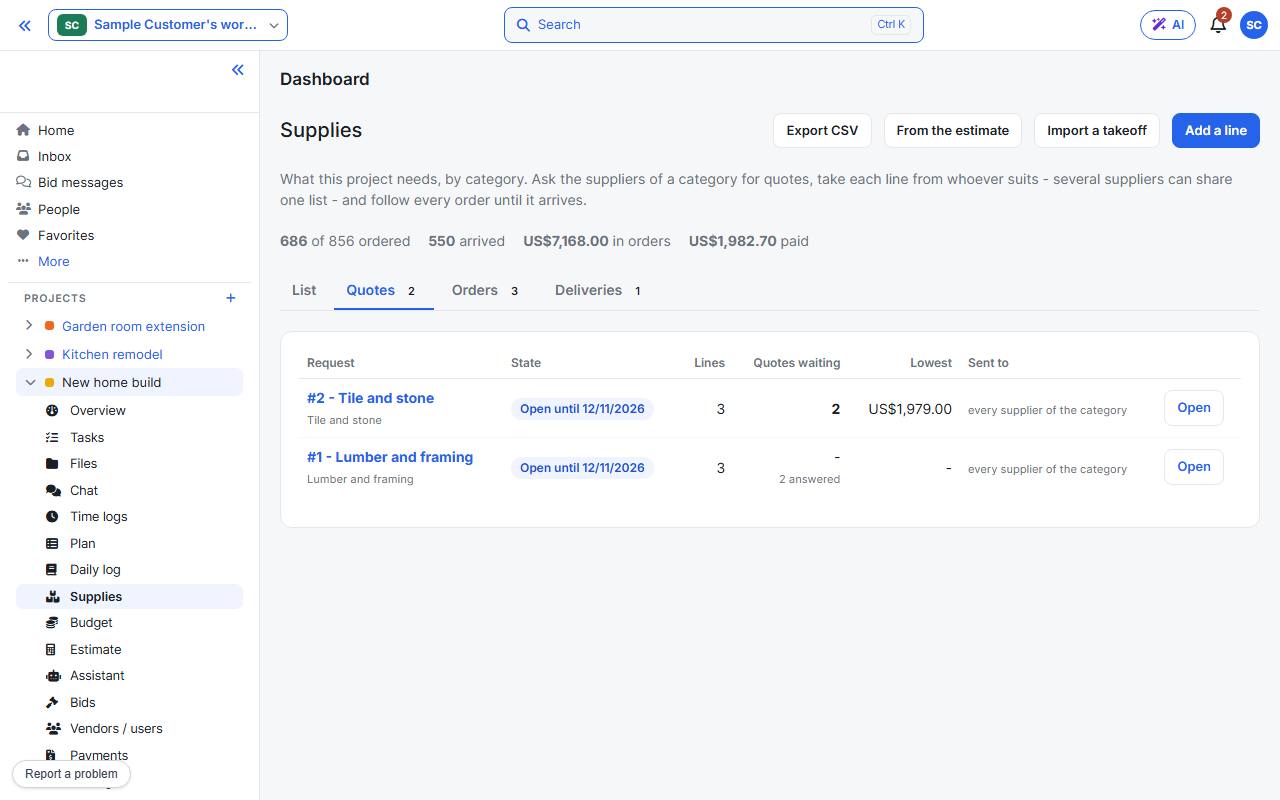
Answers arrive under Quotes, where you can compare them and take each line from whichever supplier suits you.
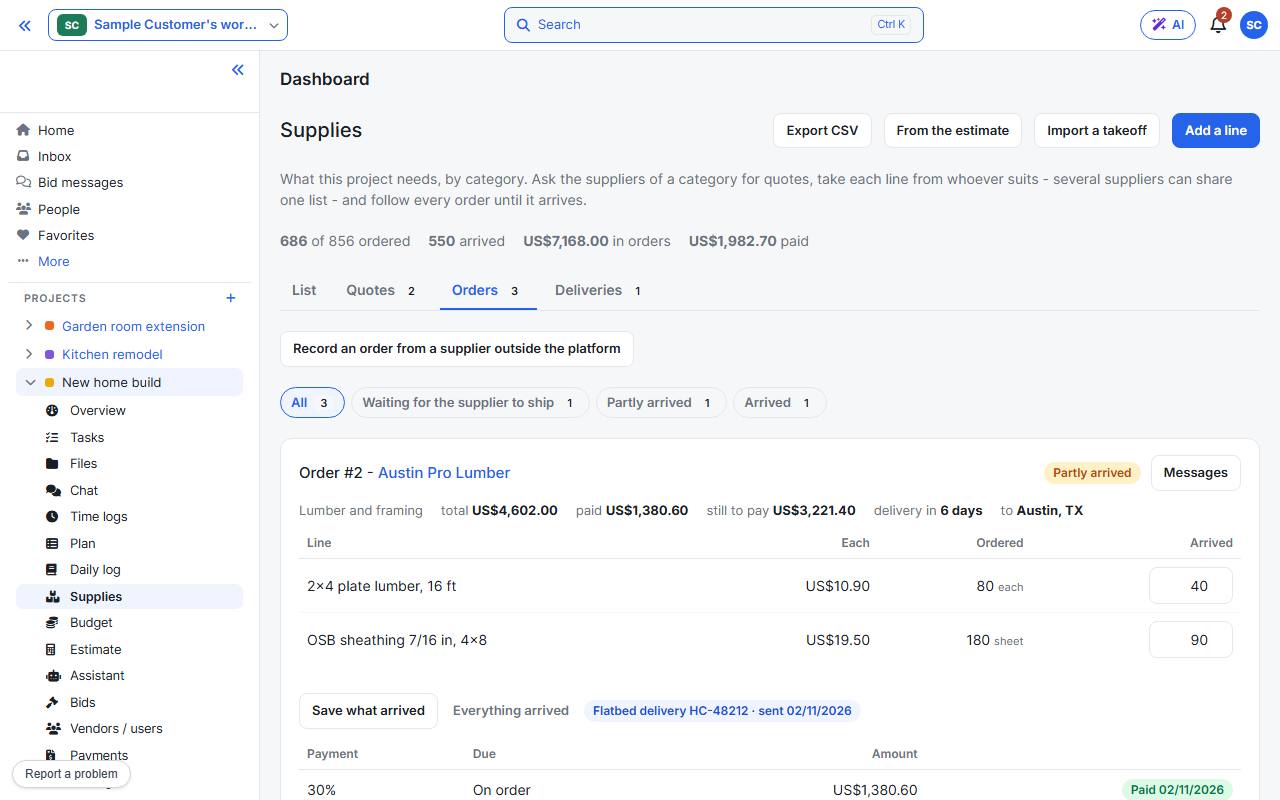
Accepted quotes become Orders. Follow each one here, record what arrived, and message the supplier. Deliveries shows what is on its way.