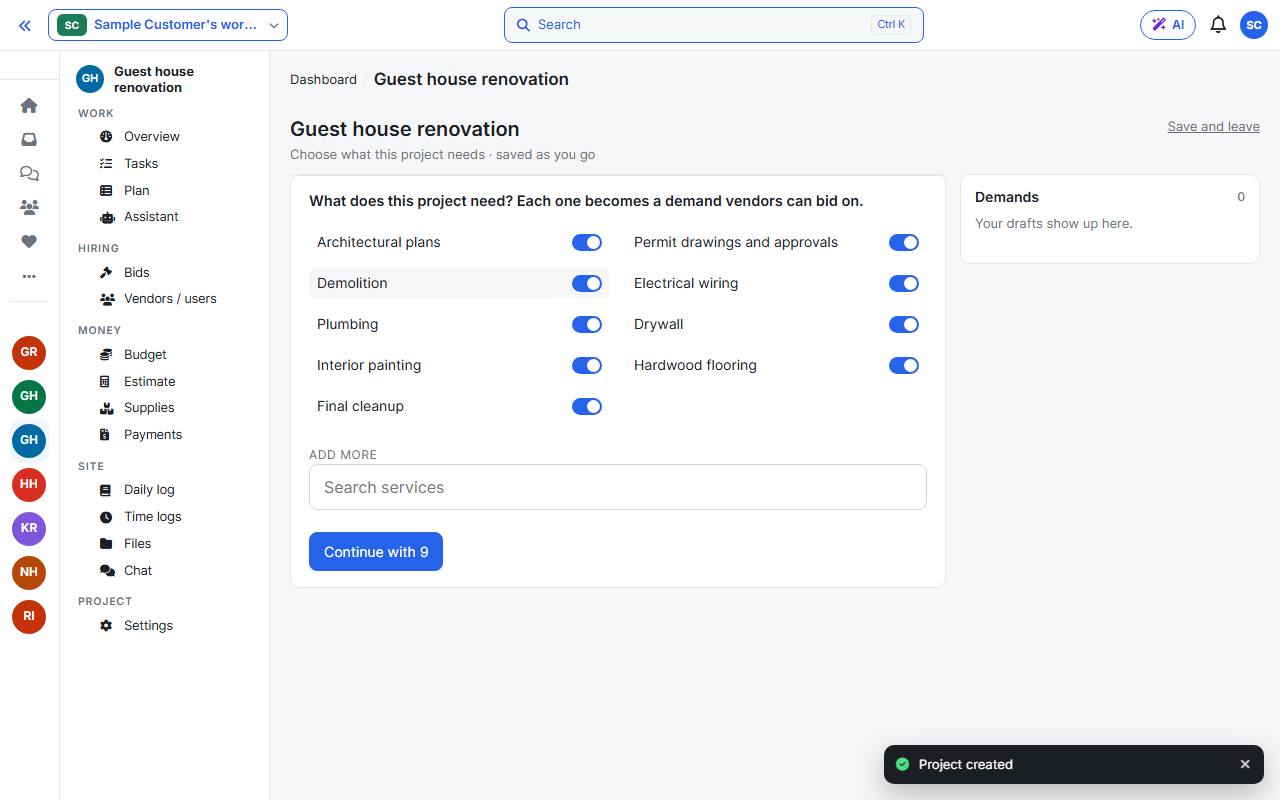
If you chose the assistant when you created the project, it opens by itself with a checklist of services, already ticked for your kind of project. Untick what you do not need, search to add more, then press Continue. Your choices are saved as you go.
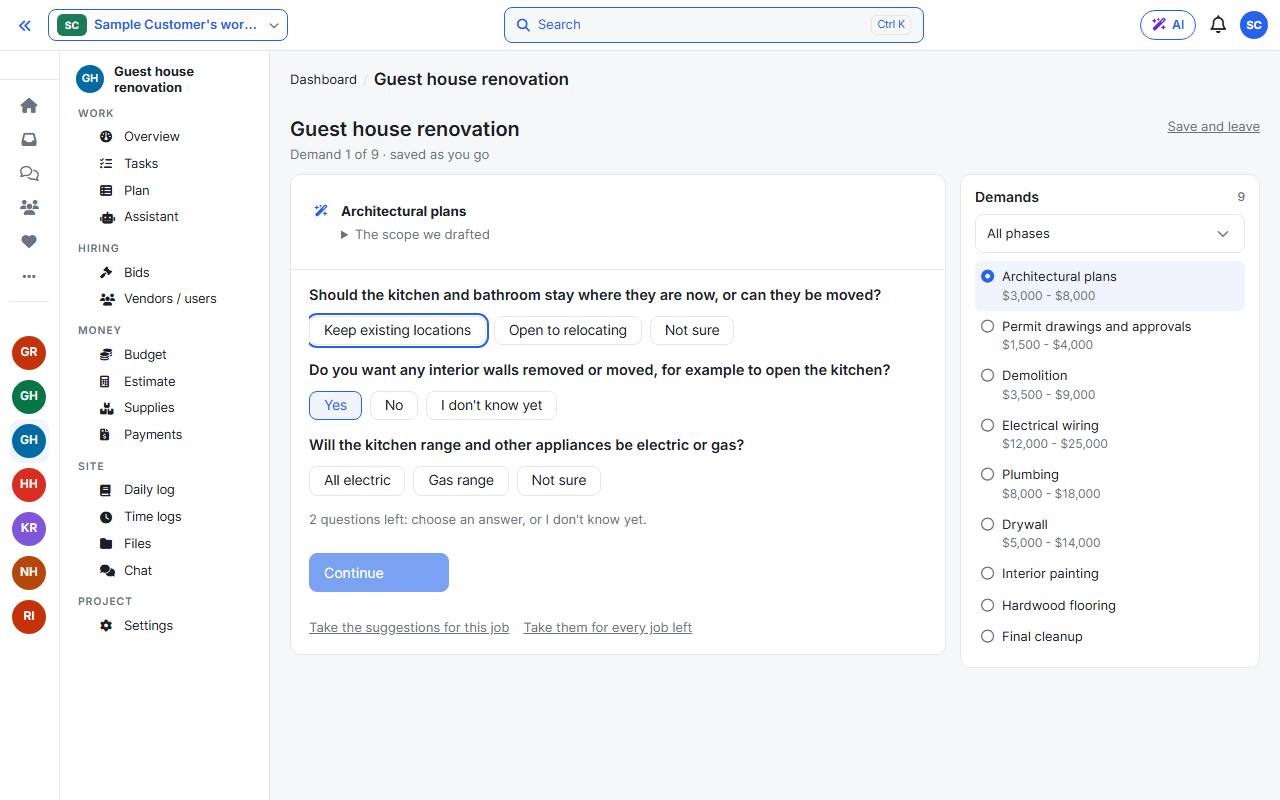
The assistant fills in every demand: the scope, licences, budget, skills, the parts of the job and its details. When a job needs a choice only you can make, it asks a few questions at once.
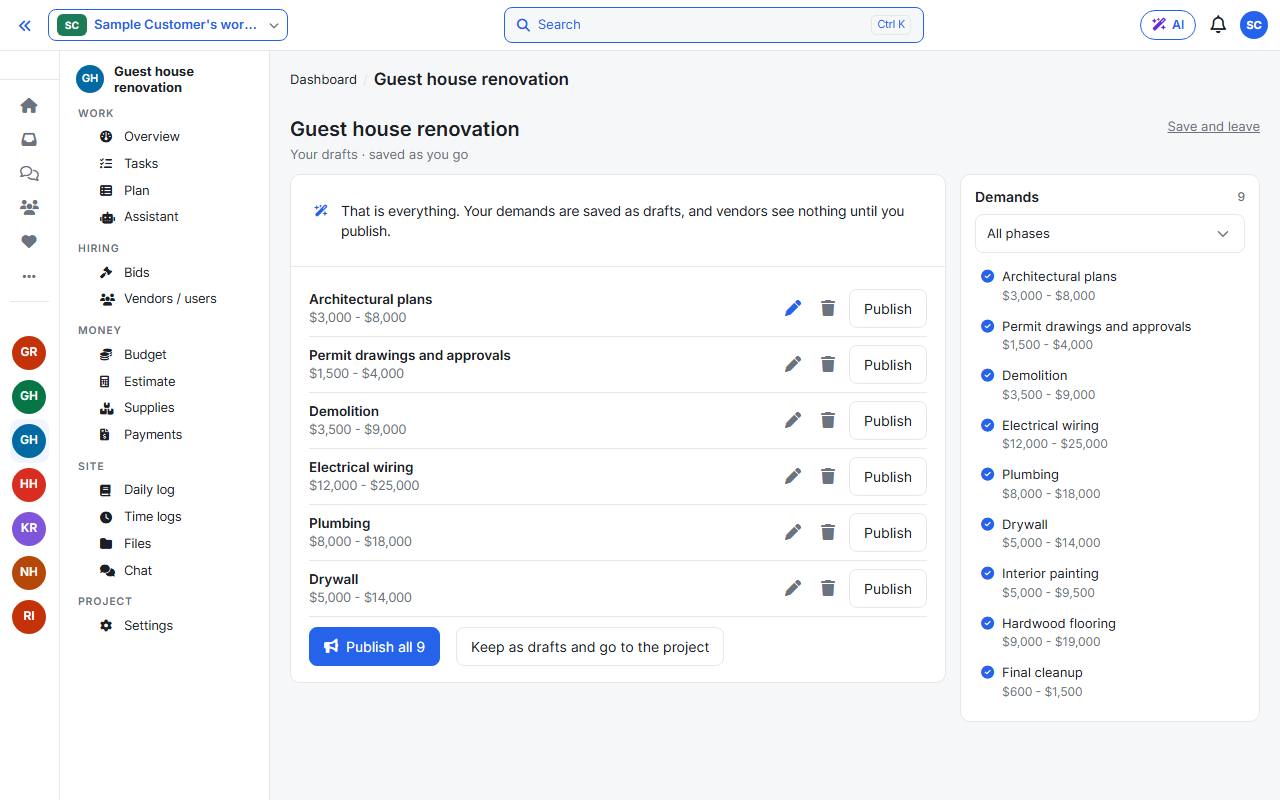
The list on the right shows every demand and its phase. Press Publish all to send them to vendors, or keep them as drafts.
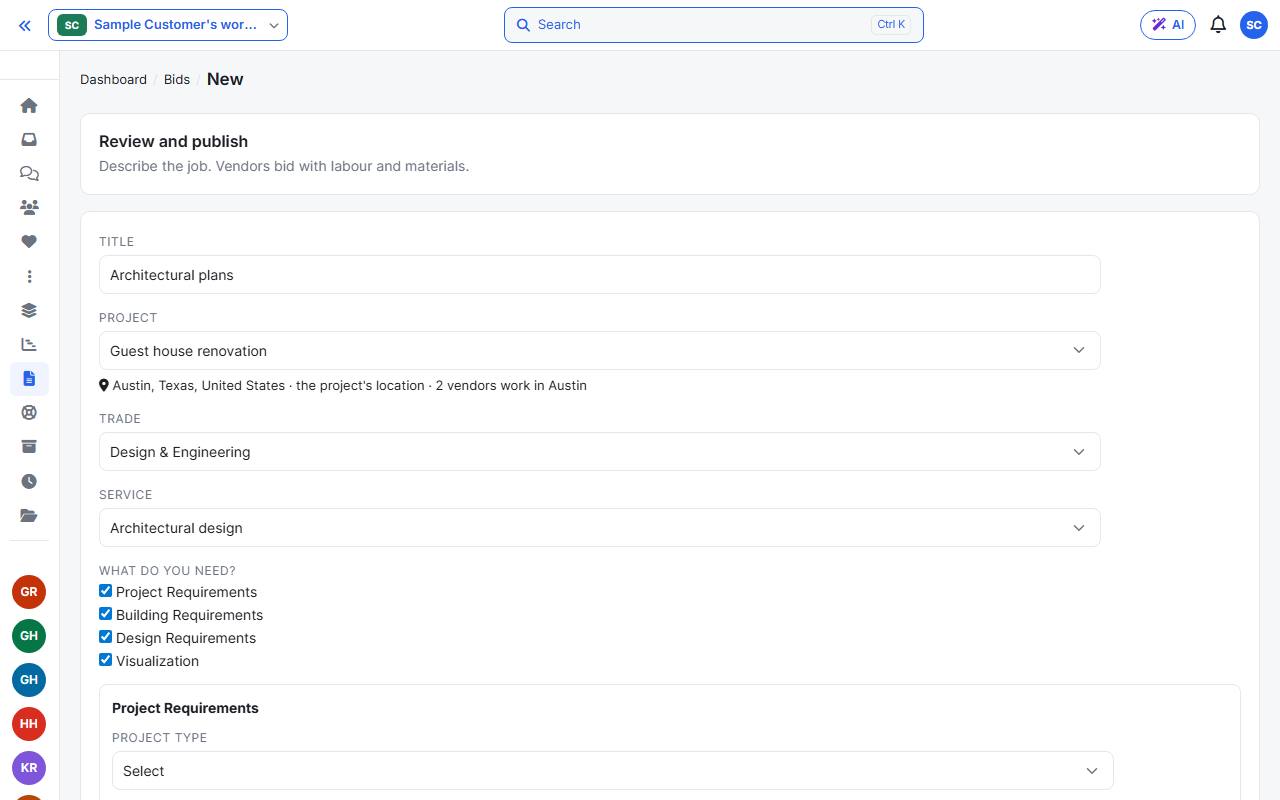
Open any demand to check it: the publish form opens filled in. Change what you like, then Save draft or Publish.