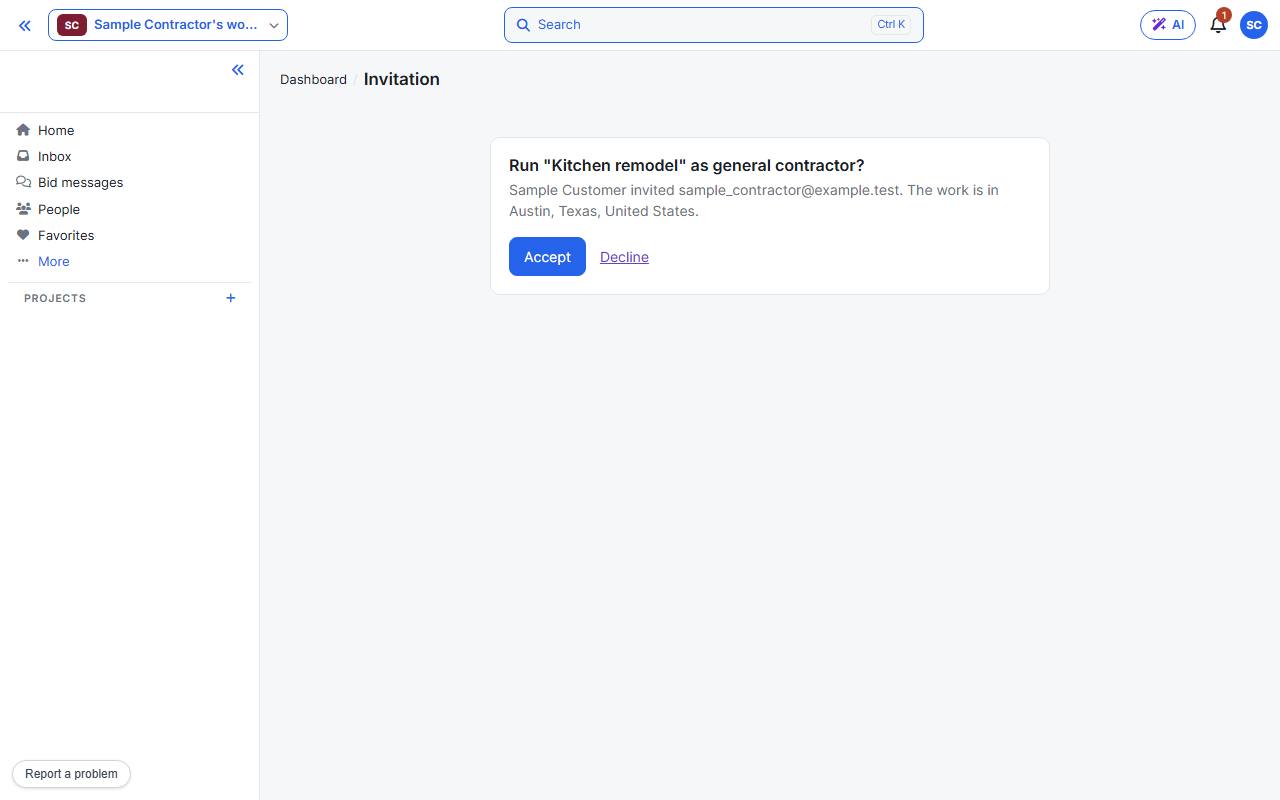
The link in the invitation email opens this page. Sign in with the invited address, check the project and press Accept, or Decline.
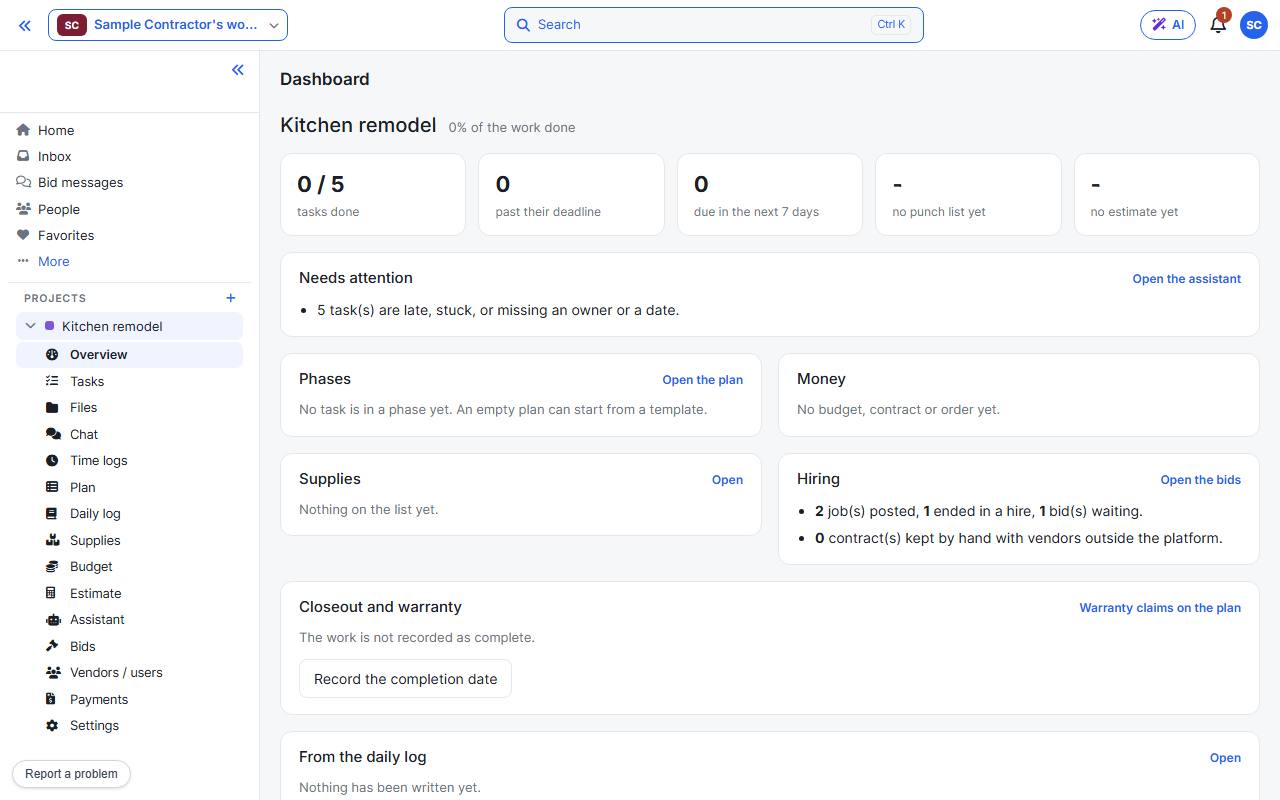
The project then appears in your sidebar with its tasks and demands. You see that project only, not the client’s others.