Switch to Gantt on the Tasks page. Main tasks are the groups; a subtask with a start and a due date is a bar. Hide main tasks shows the subtasks alone. Drag a bar to move it, or drag an edge to change its dates.
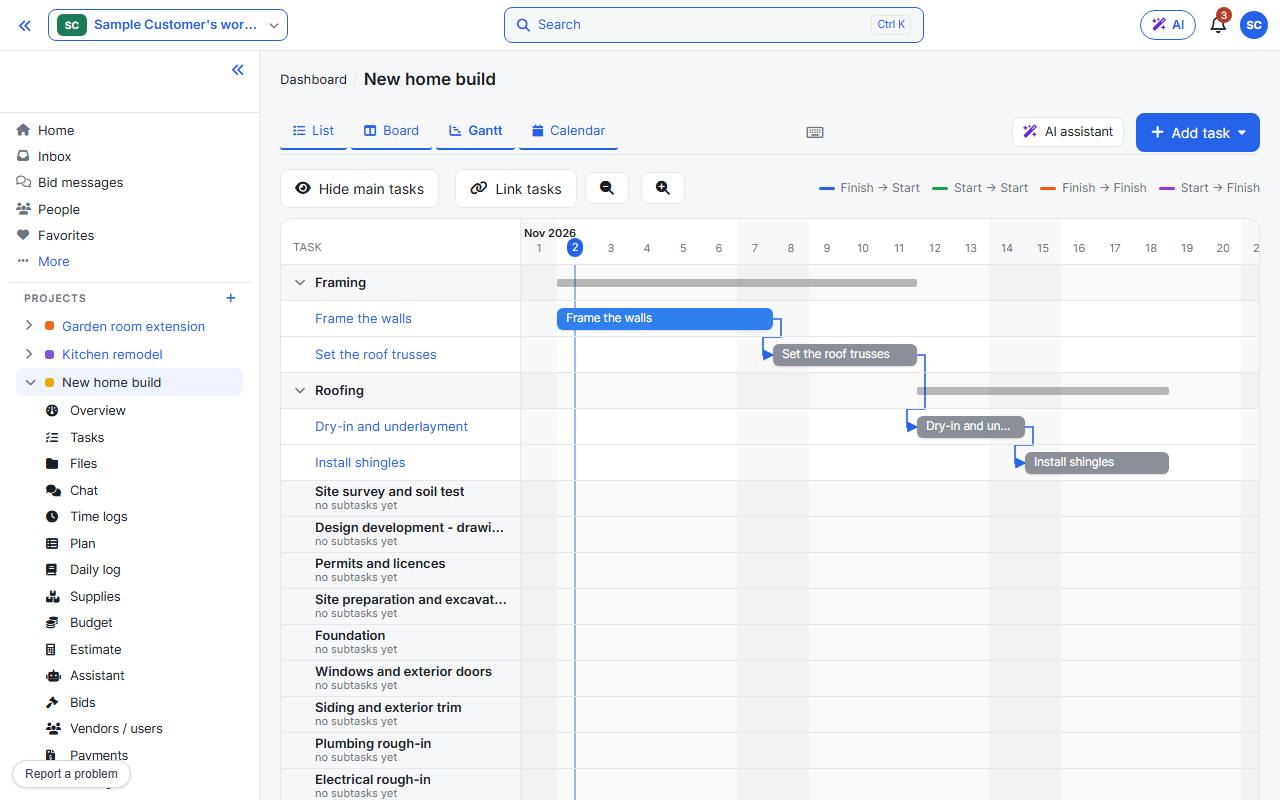
Link two tasks
- Press Link tasks.
- Click the start or the end of the first task.
- Click the start or the end of the second task.
- Press Done linking.
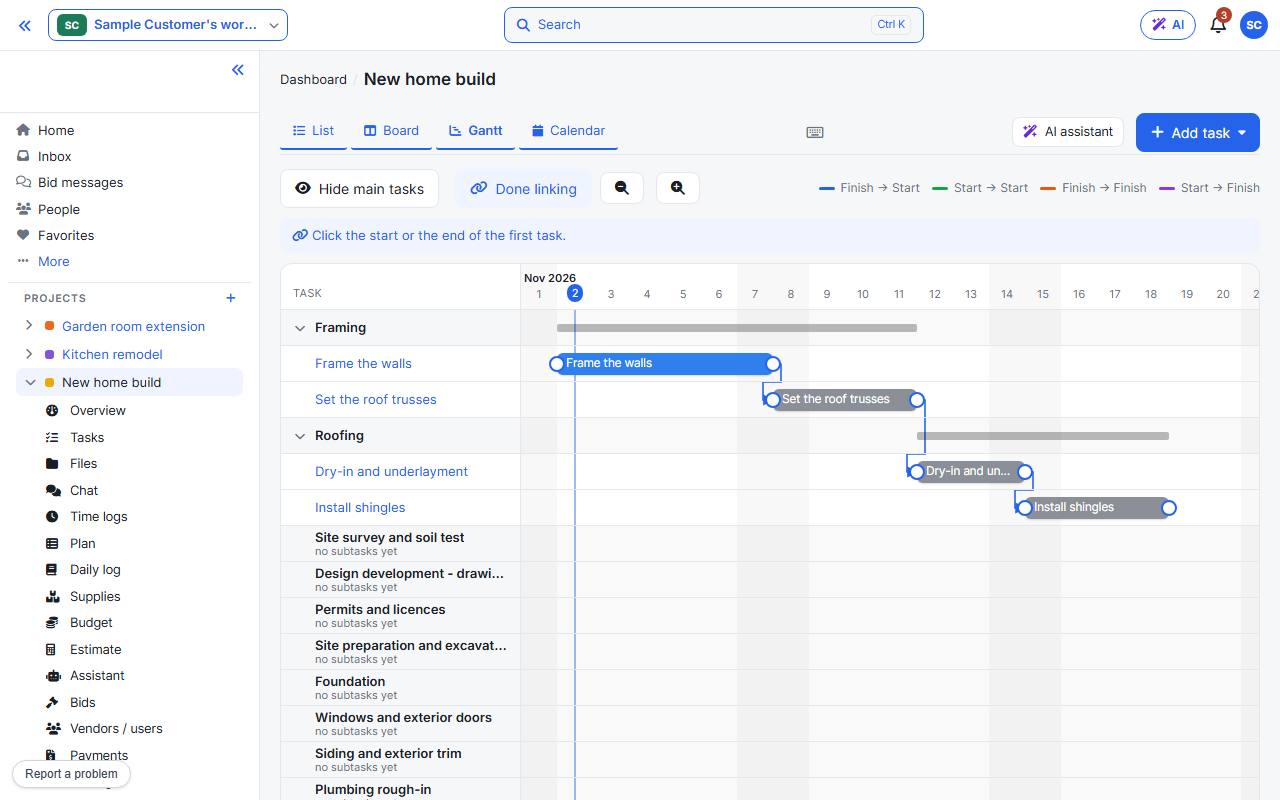
Which ends you click sets the kind of link, shown by its colour:
- Finish → Start: the usual one. The second task starts after the first ends.
- Start → Start: they start together.
- Finish → Finish: they end together.
- Start → Finish: the second ends when the first starts.
Calendar
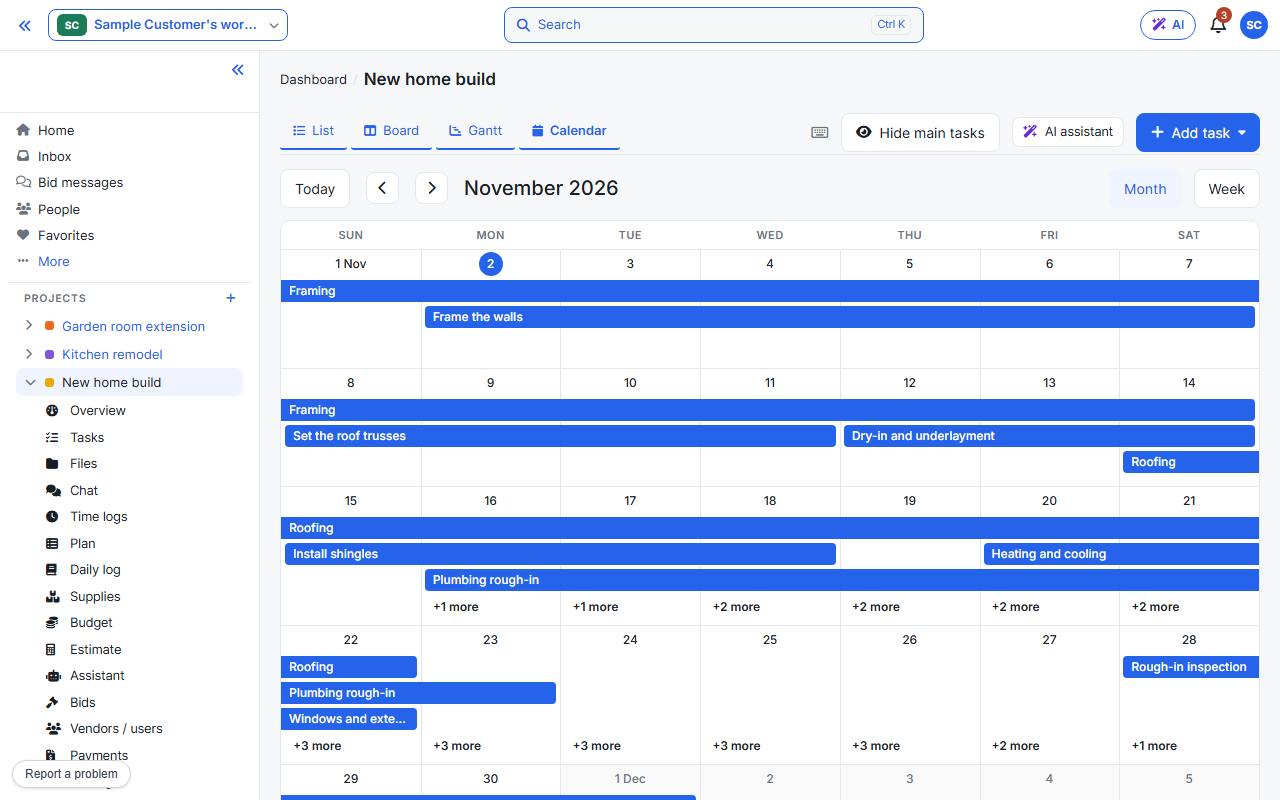
Calendar shows the same dated tasks by month or week.