
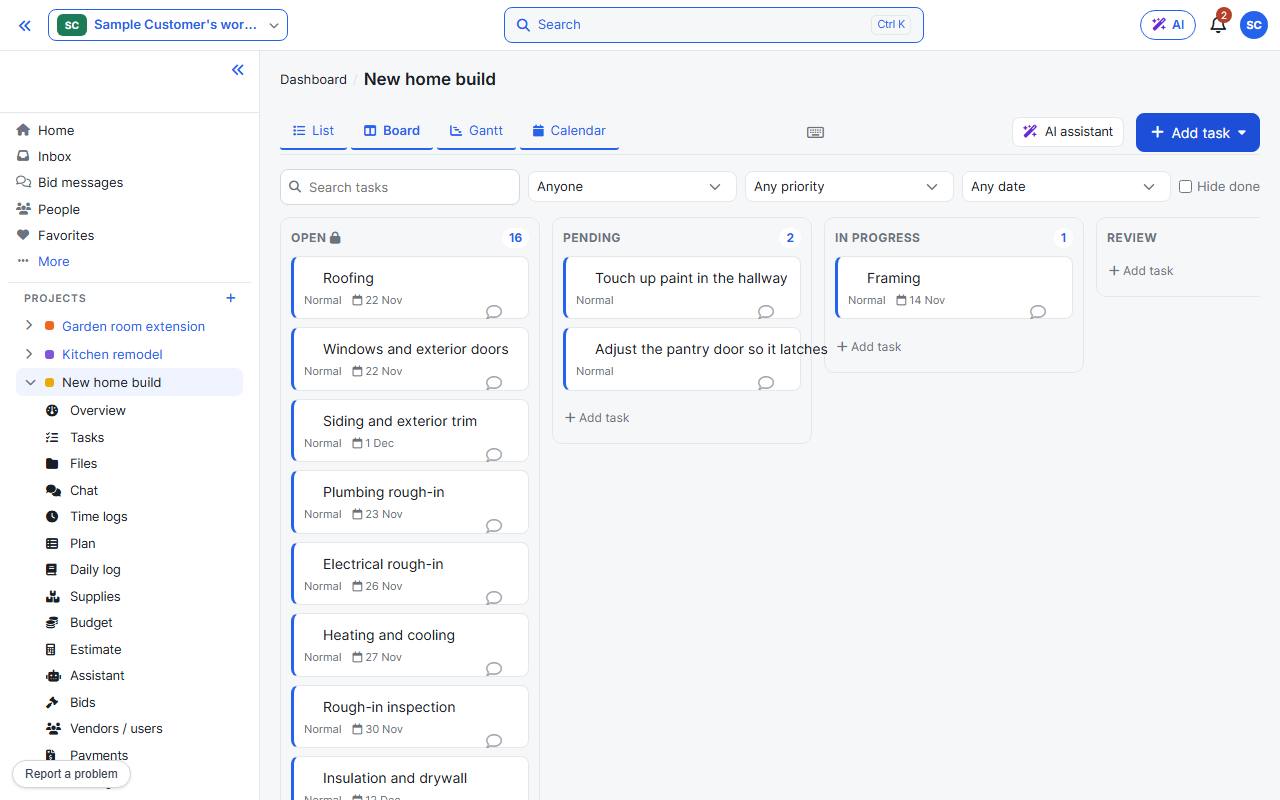
Switch to Board at the top of the Tasks page. Drag a card to another column to change its status, or within a column to reorder it.
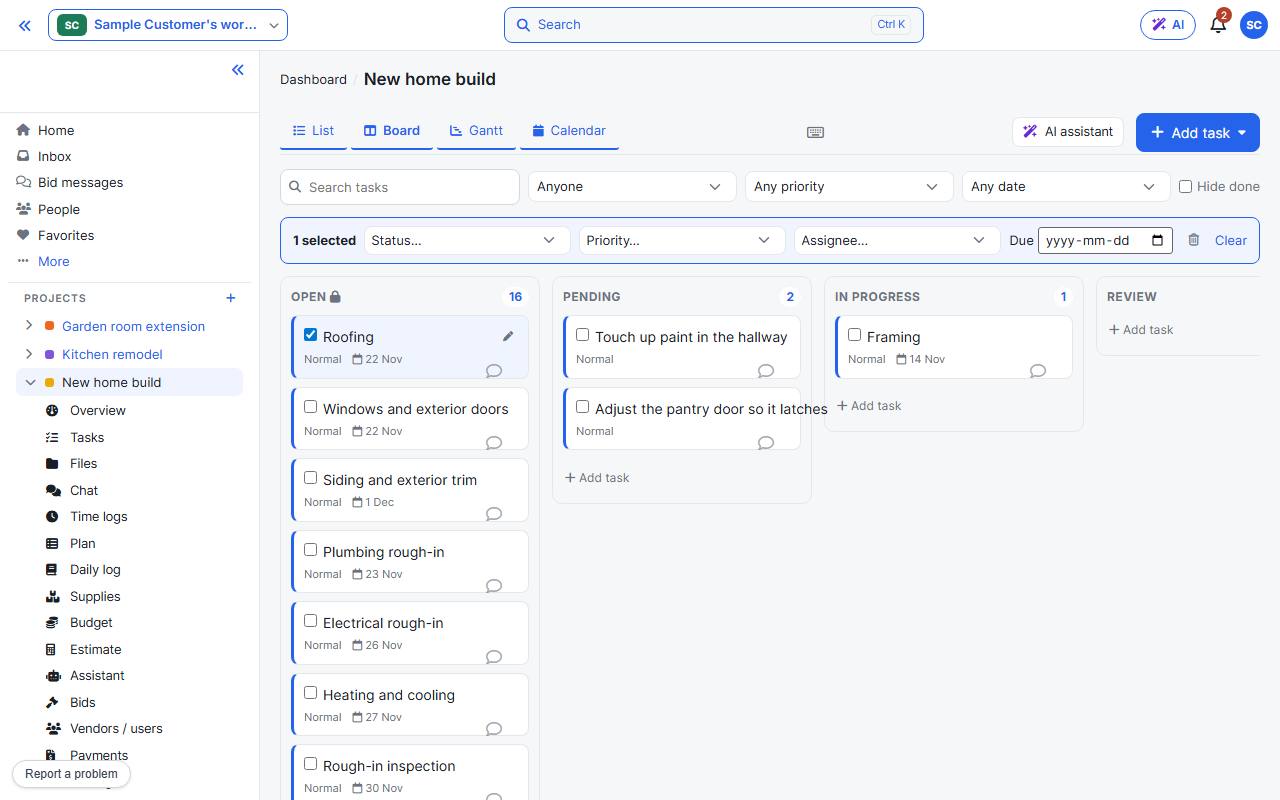
Tick cards (or press x on one) and a bar appears to set status, priority, assignee or due date for all of them. Dragging a selected card moves the whole selection.
Every shortcut is listed in Keyboard shortcuts.