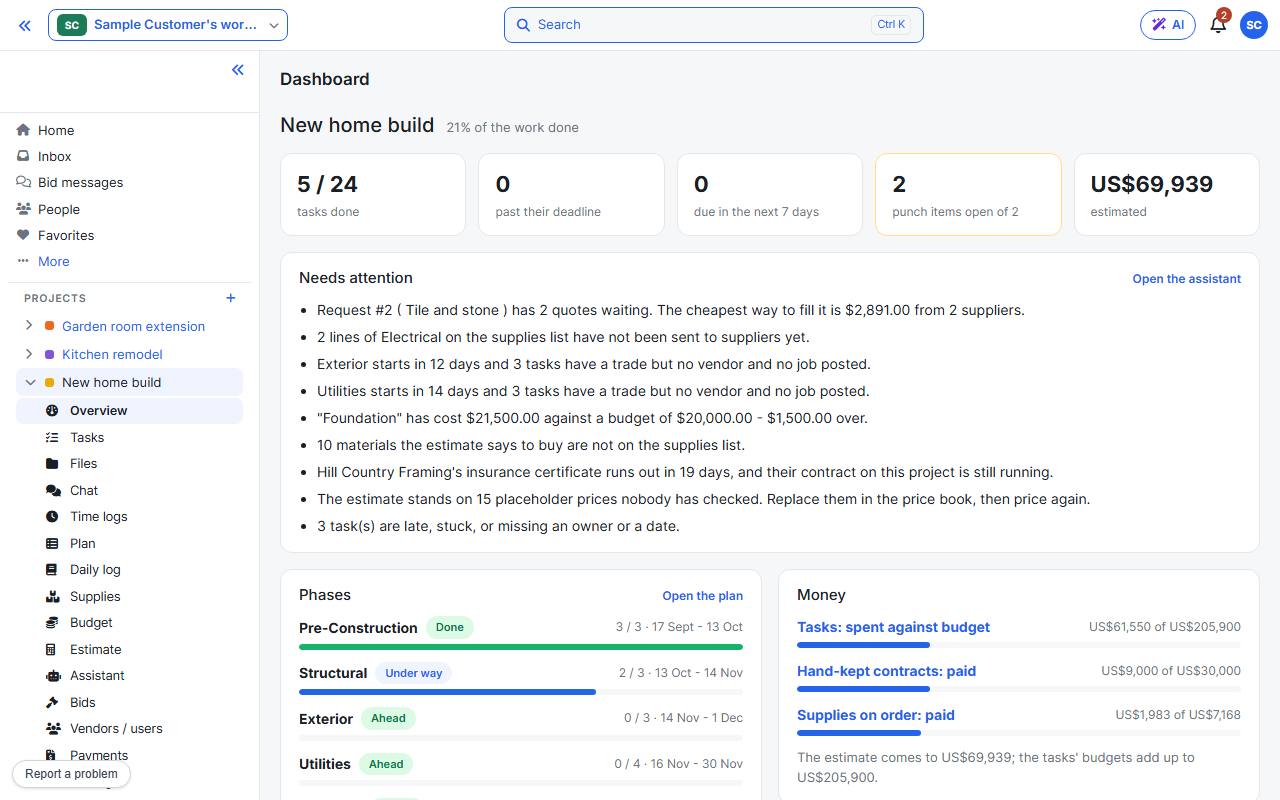
From your dashboard, press + beside Projects in the sidebar. The wizard saves as you go, so you can leave and come back.
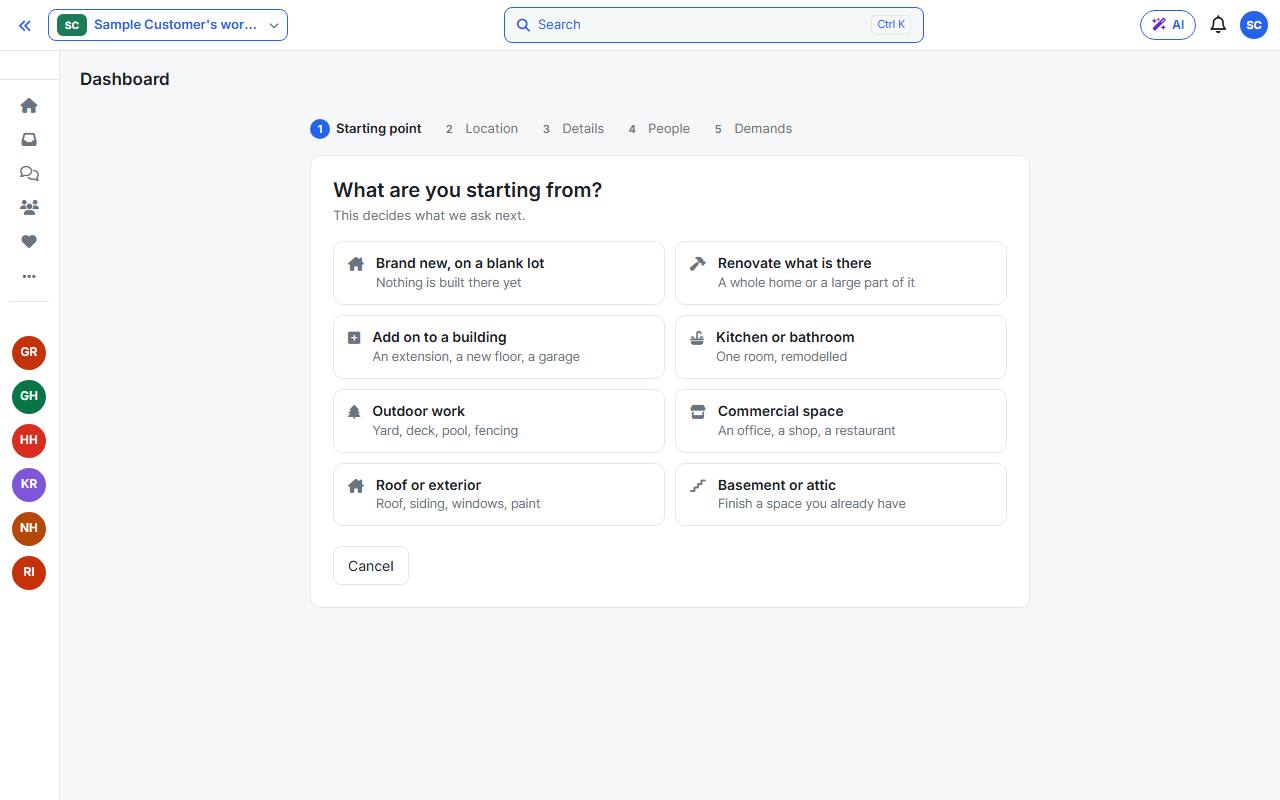
1. Starting point
Choose what you are starting from. This decides which questions come next, and the wizard moves on as soon as you choose.
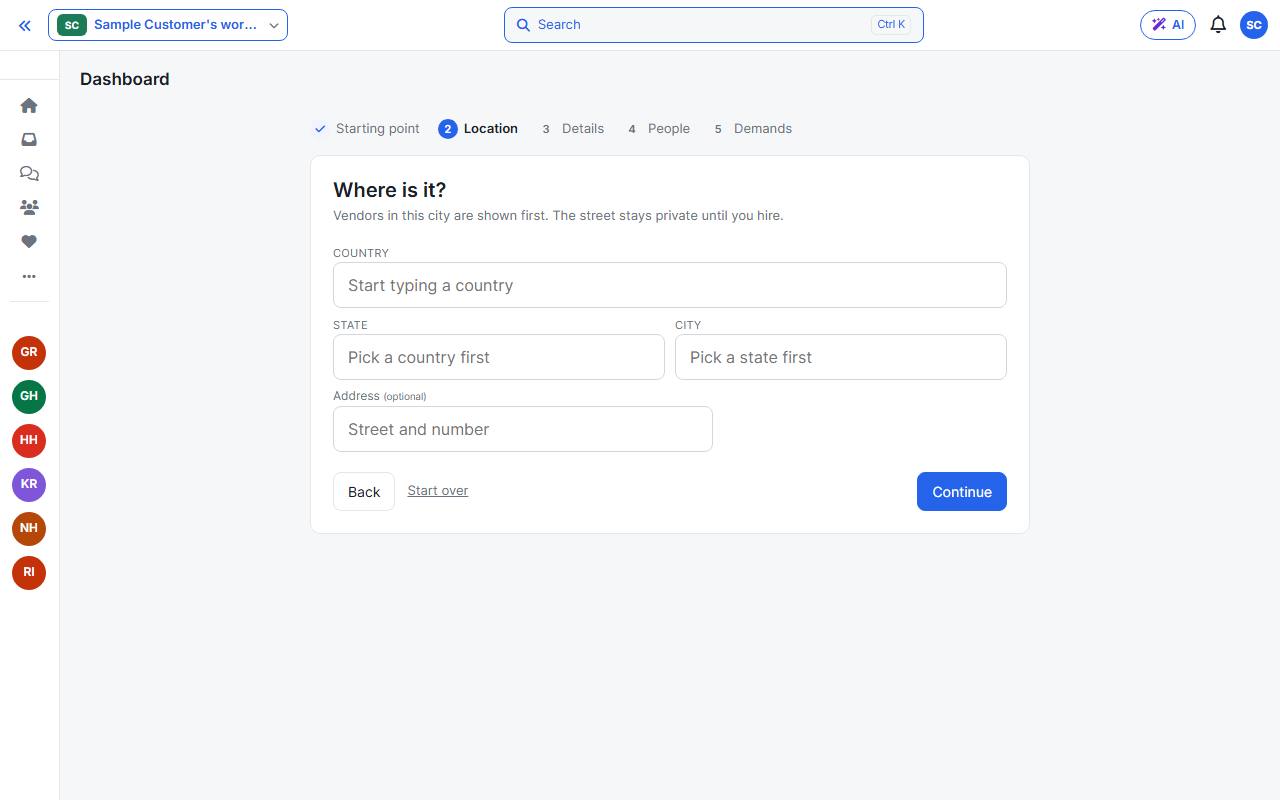
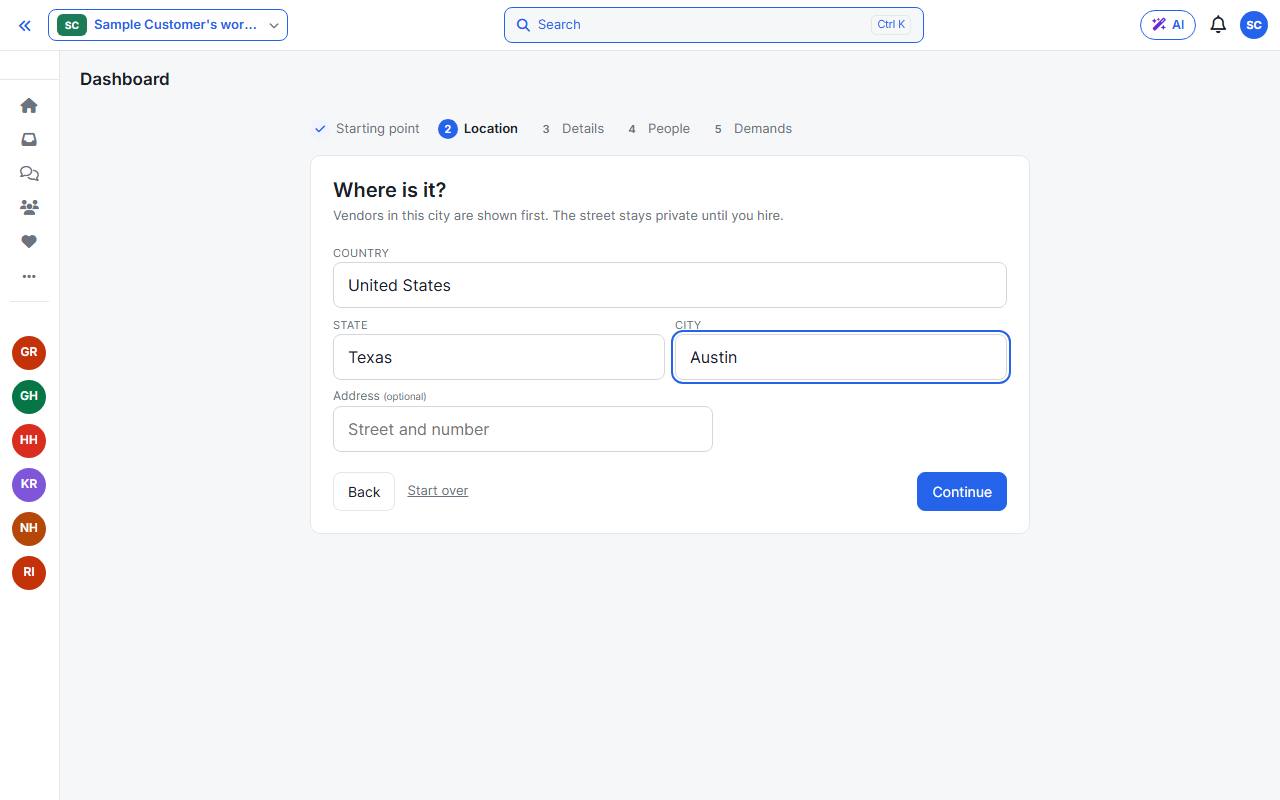
2. Location
Pick the country, state and city. Vendors are matched by city, so choose it from the list. The street address is optional.
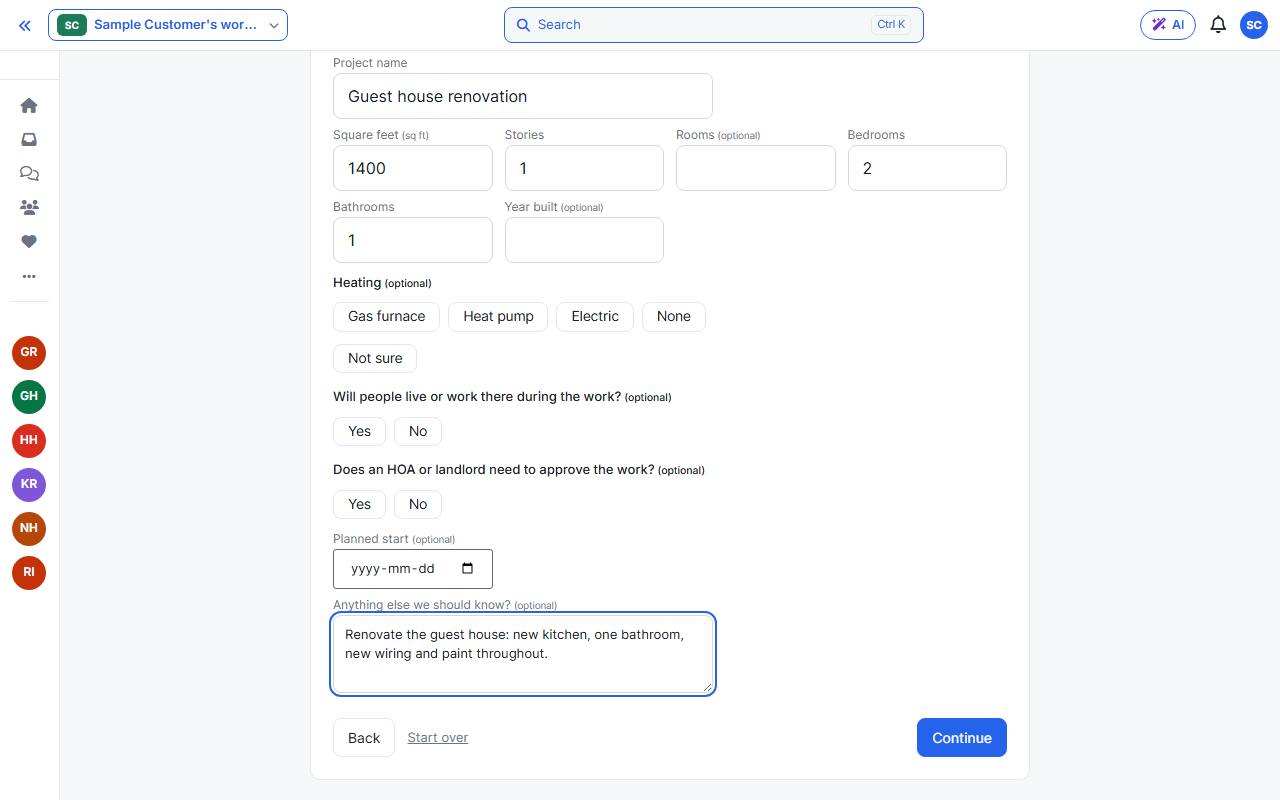
3. Details
Name the project and give its size. Anything marked optional can wait.
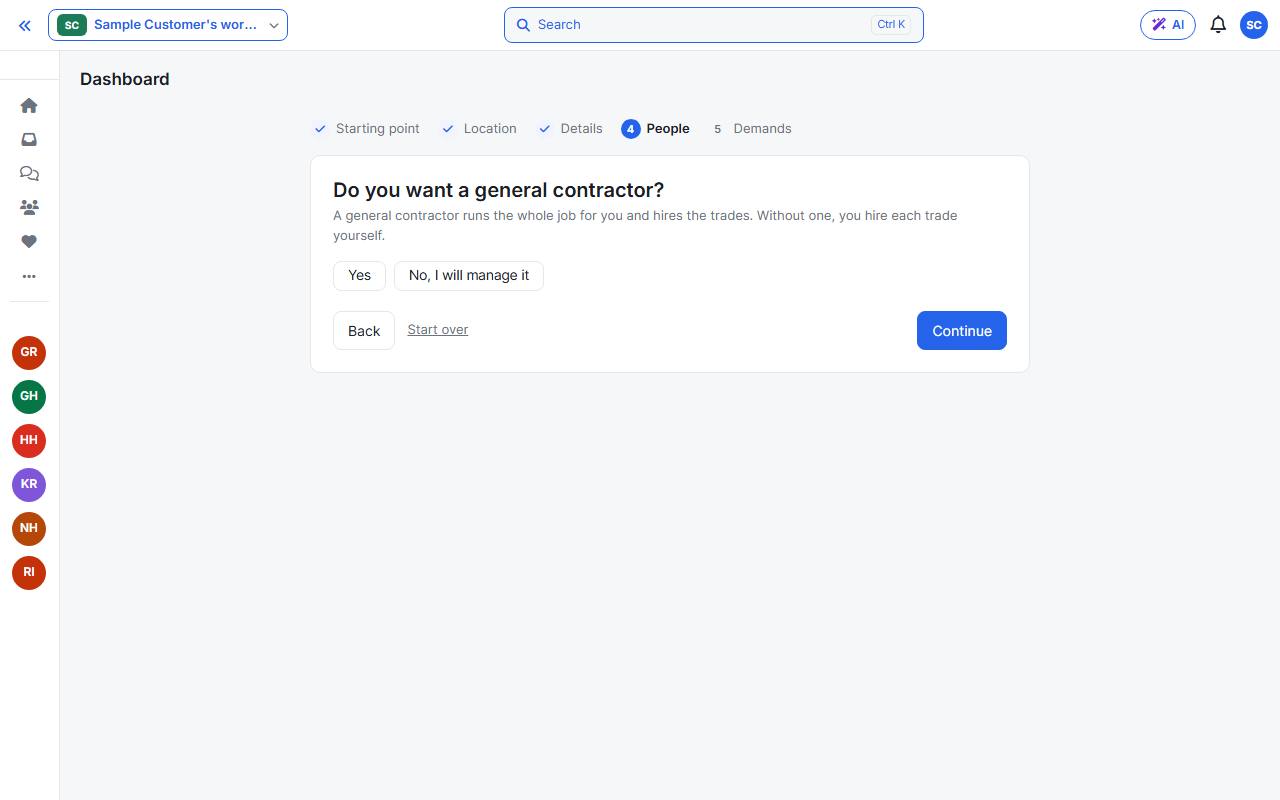
4. People
Say whether you want a general contractor. Choose No, I will manage it to hire the trades yourself. See Bring in a general contractor for the other path.
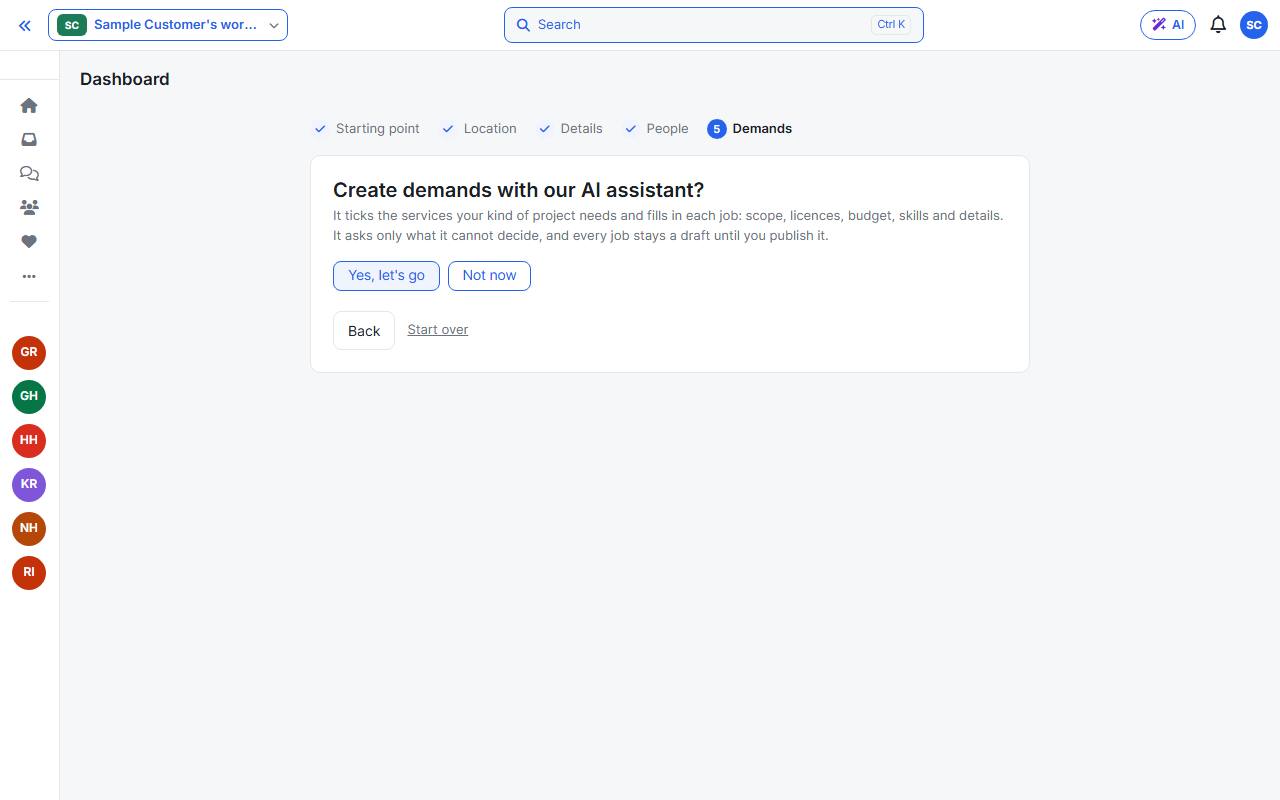
5. Demands
A demand is a job vendors can bid on. Choose whether the AI assistant should draft them for you: either answer creates the project.
Your project
The Overview shows progress, what needs attention, phases and money. The sidebar under the project holds everything else: Tasks, Files, Chat, Supplies, Budget, Bids and more.